A Widget in Name Only
The existing widget had one fundamental design flaw, no system model. Everything was coupled to everything else. “Channel” was doing five jobs at once: routing target, UI option, consent anchor, destination, and configuration object. That coupling produced predictable gaps. There were stories in the backlog to improve it, but the more I looked at it, the clearer it became that incremental improvements weren’t going to get us where we needed to go. This needed to be rethought from the ground up.
The 41-Location Problem
A prospective client had 41 locations and a single website. Under the existing system, that would require all 41 locations to have a channel manually configured as an entry point, and the website visitor to select the right one themselves. On top of that, none of it was available through the API. That’s not a widget problem. That’s a system design problem.
A Compliance Gap I’d Been Watching for Years
The product had gaps in how it handled consent and compliance. TCPA and TCR guidelines exist for good reasons, and when a website visitor hands over a mobile number, that consent needs to be captured and elevated to the right levels. It wasn’t being done the way it needed to be. Smart Launcher was an opportunity to fix that properly.
Naming It Right
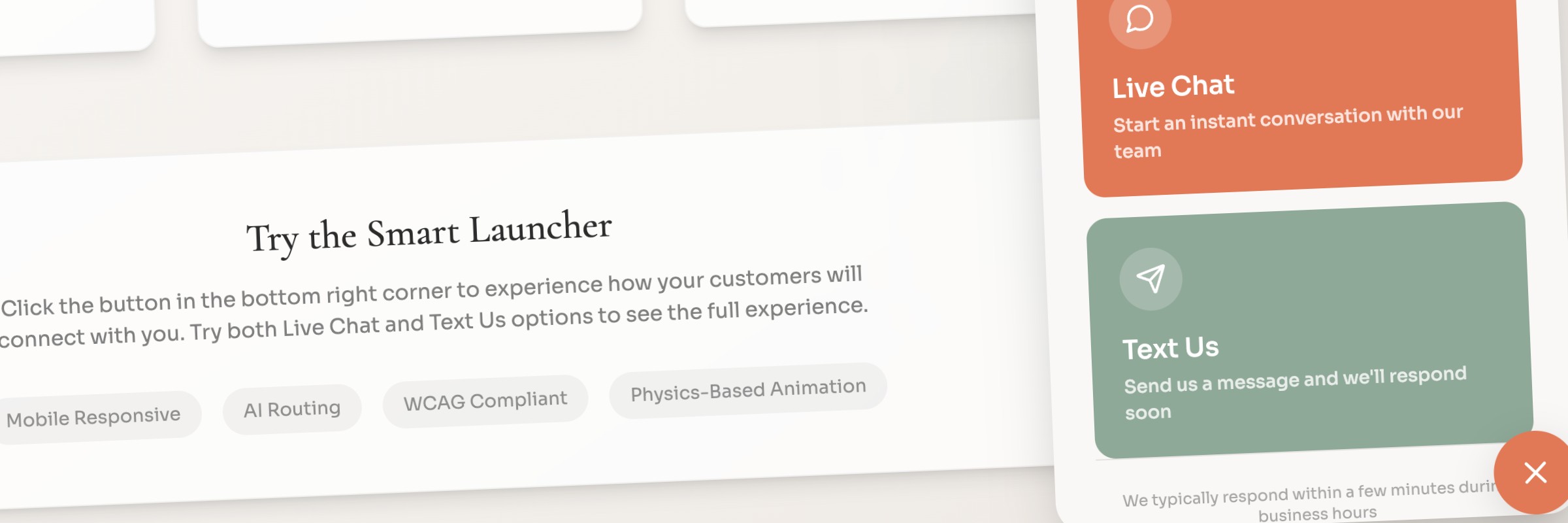
“Widget” was the first thing I wanted to fix. Not just cosmetically, the name was shaping how people thought about the product. A widget gets patched. A platform capability gets designed. I worked through a handful of directions before landing on Smart Launcher. It’s active, it’s simple, and it scales to AI-assisted routing without overselling it. Marketing could get behind it. Engineers could build to it. And it accurately described what the product was becoming, a smart entry point into a conversation management platform.
Restructuring the Admin
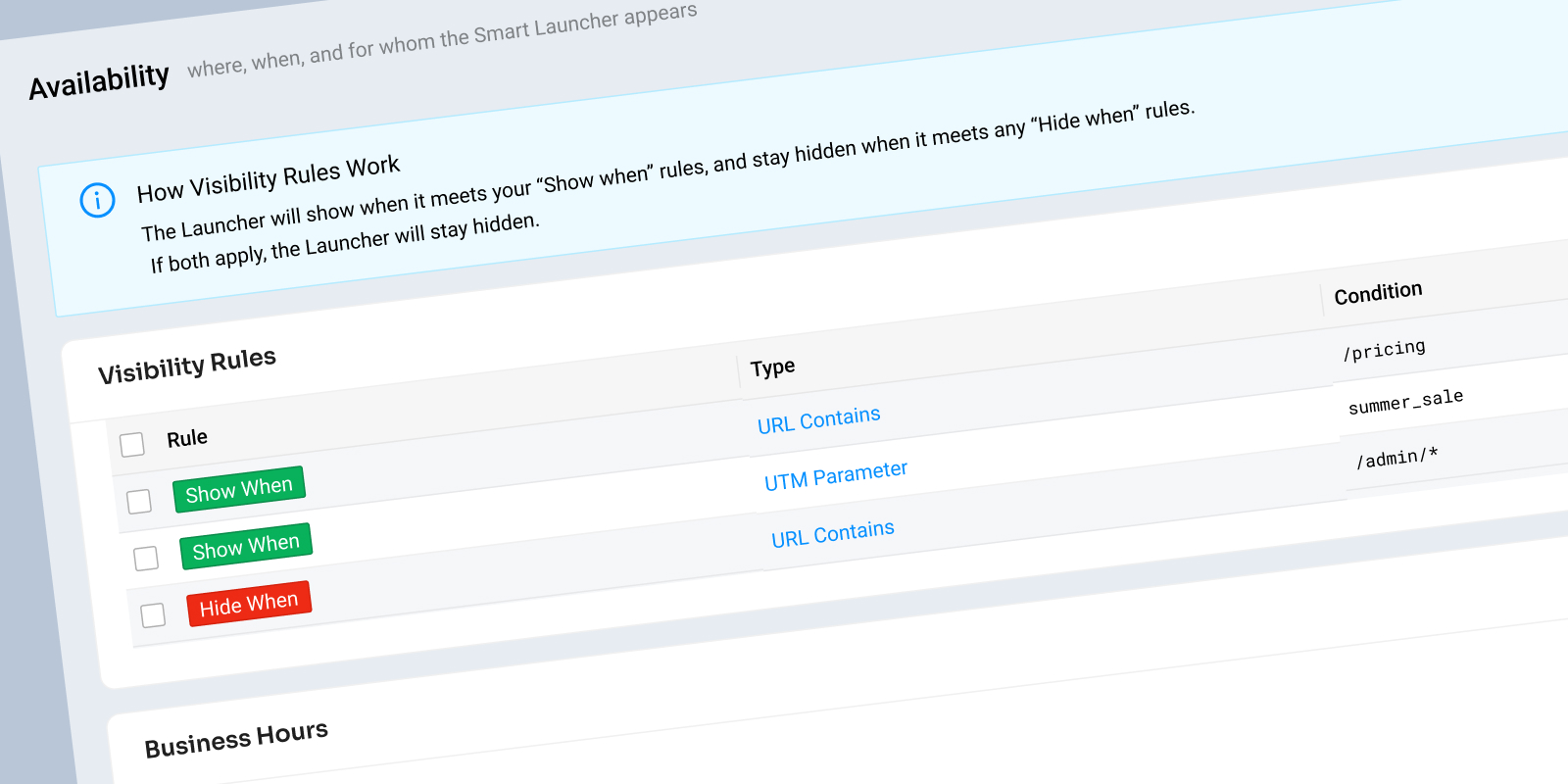
The old admin tabs were called Settings, Custom Text, Design, and Installation. Those names reflected how the product was built, not what it actually needed to do. I restructured the admin around the real system model: Availability, Experience, Routing, Consent, Branding, and Installation. Each tab represented a distinct layer of the system with its own rules and its own Capability Brief. The information architecture was the system design made visible.
API-First by Design
The old widget was UI-first, configured manually, not accessible via API. I wanted every configuration option in Smart Launcher to be handleable through the API as well. Not because enterprise clients would set up launchers entirely through the API, but because building it that way meant building it once and building it right. UI-less integrations, webhooks, and APIs are where this platform was heading. Smart Launcher needed to reflect that.
AI-Assisted Routing
Routing was never going to be a one-way decision. I wanted AI to route confidently when it could, suggest a destination when it wasn’t sure, and fall back to user selection when confidence was low. And if an agent felt a message was routed incorrectly, they could kick it back. The system would learn from those corrections over time. That’s a fundamentally different model than a dropdown. It reduces friction for the website visitor, reduces setup burden for the admin, and gets smarter the more it’s used.