Starting With Education
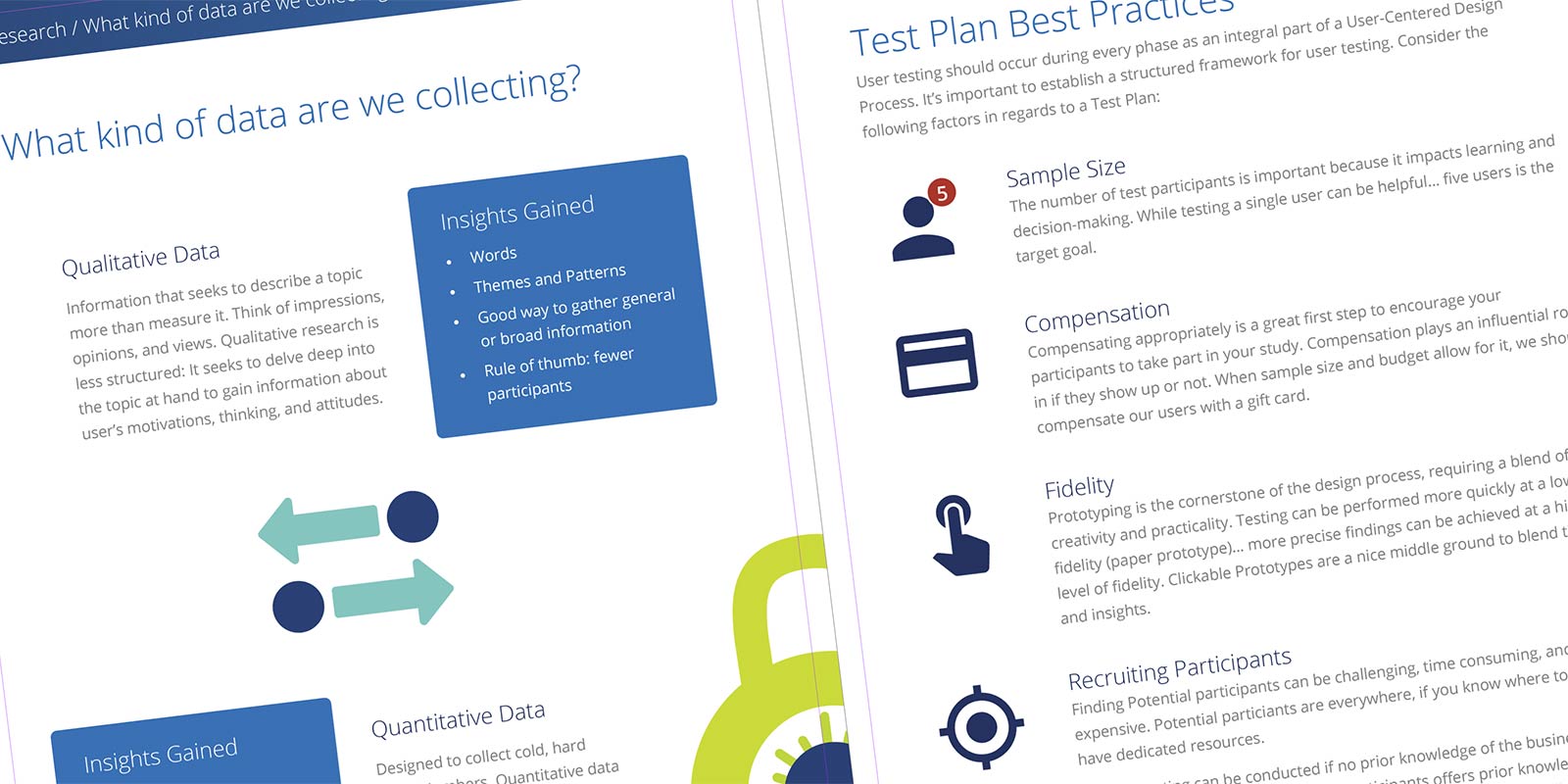
The first challenge wasn’t design. It was helping the organization understand what UX was and why it mattered. I’d been through this before. The pattern I’d learned: don’t just explain UX in a meeting, put it in writing. I created a UX Playbooklaunch, a document that explained what UX is and what it isn’t, outlined my three core principles, introduced my four-phase process, and gave the team a reference they could come back to. It also served as a credibility document. Here’s how I work, here’s why, and here’s what you can expect.
Working Within Existing Tools
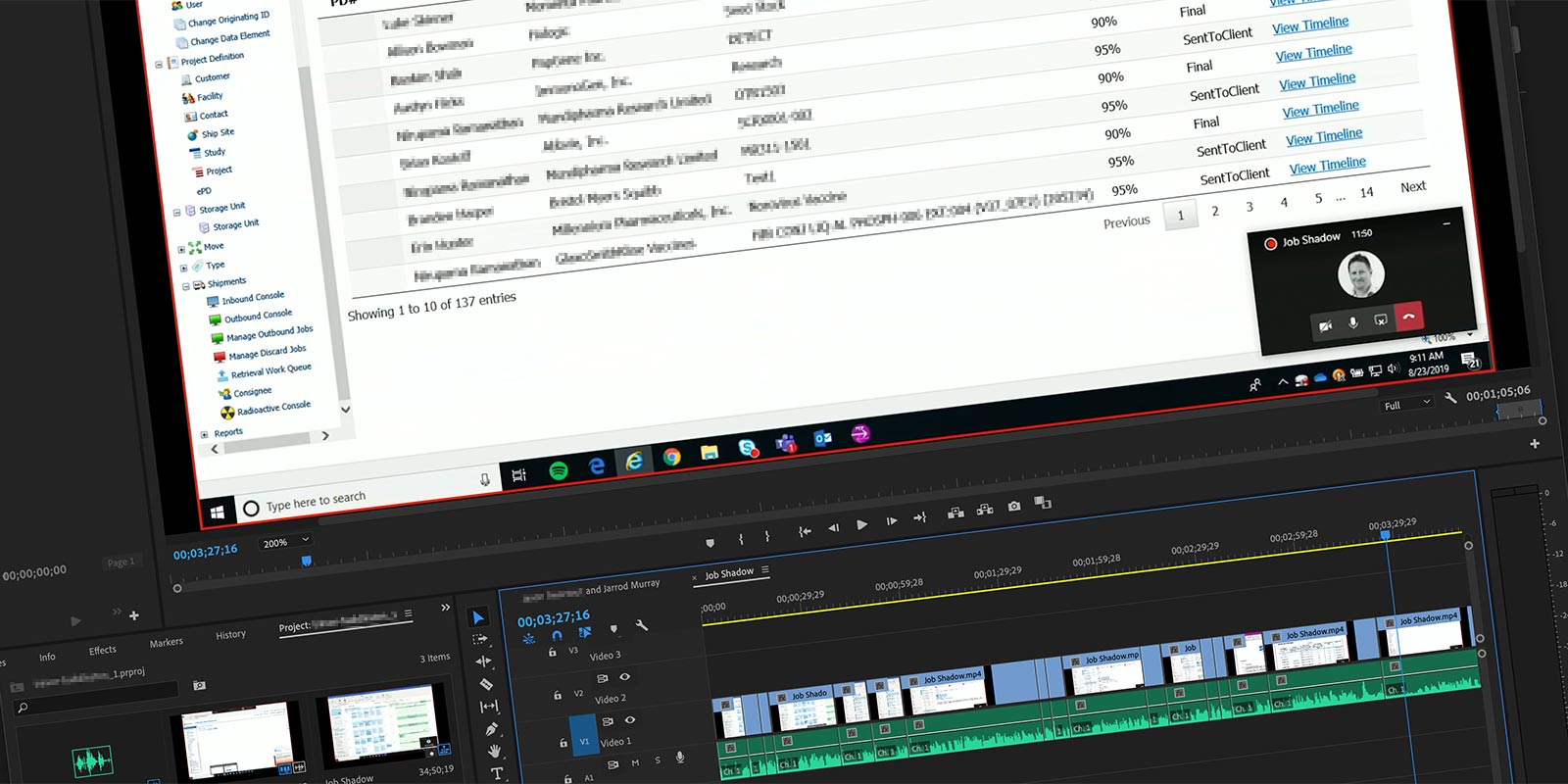
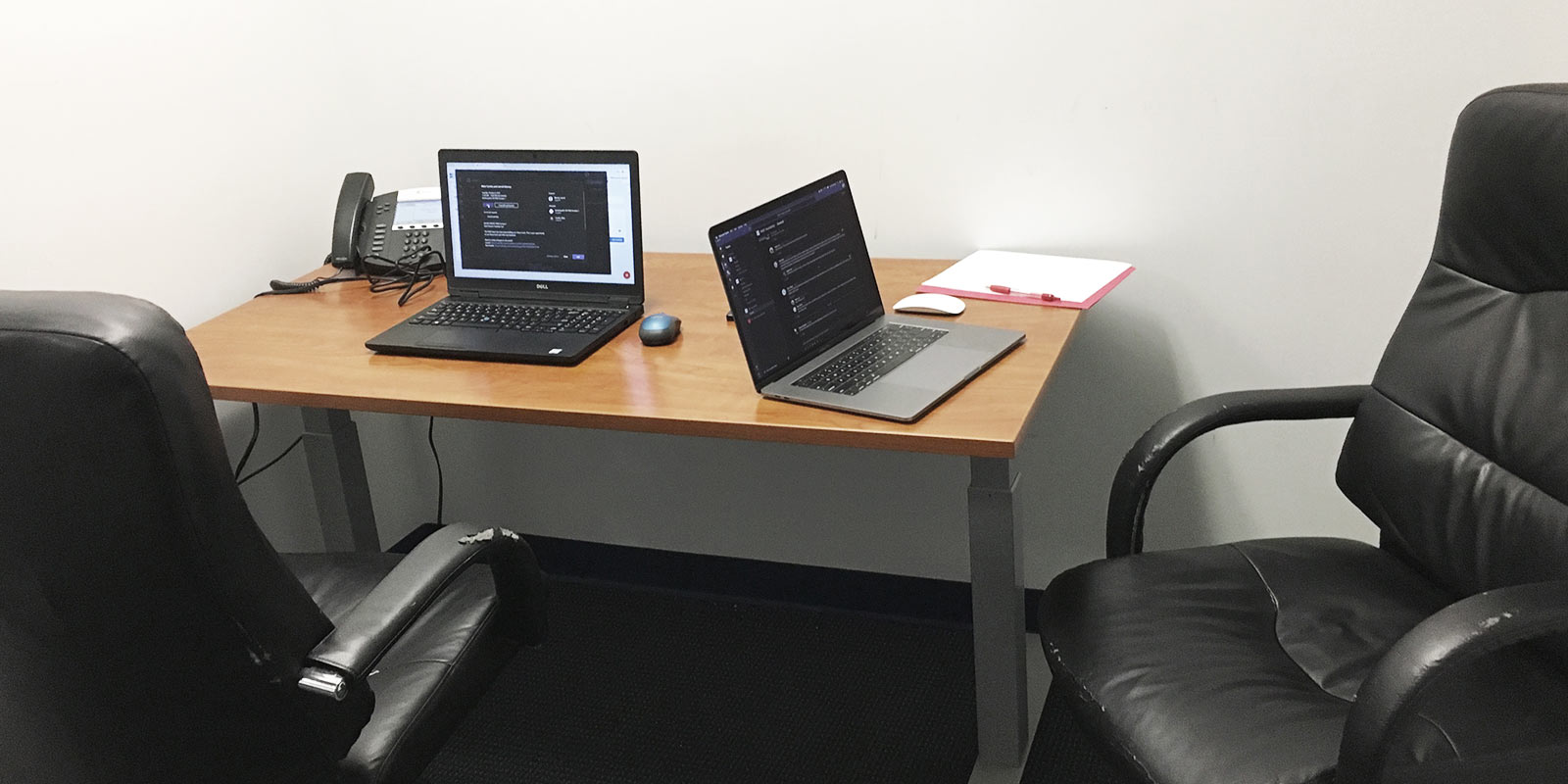
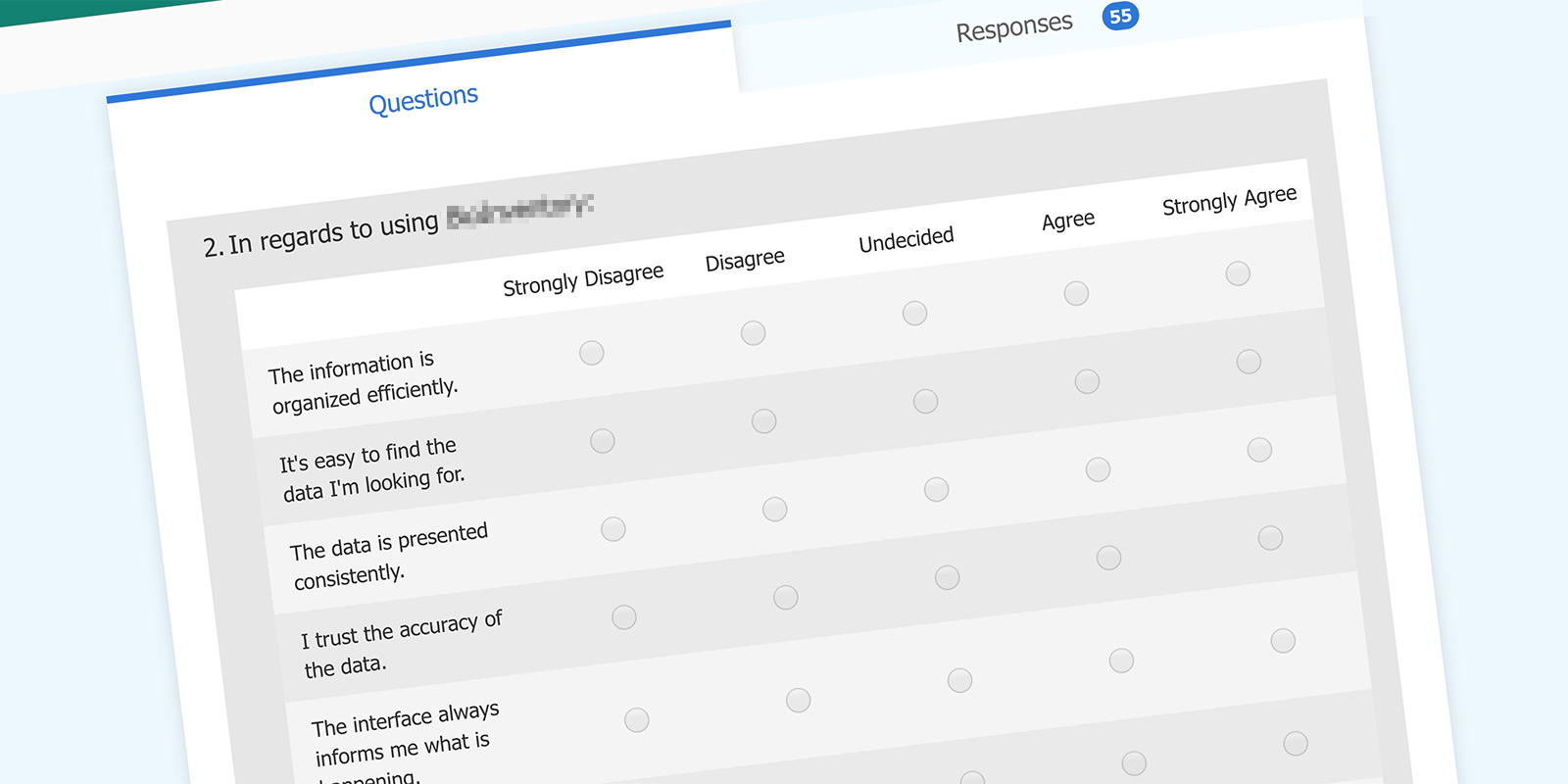
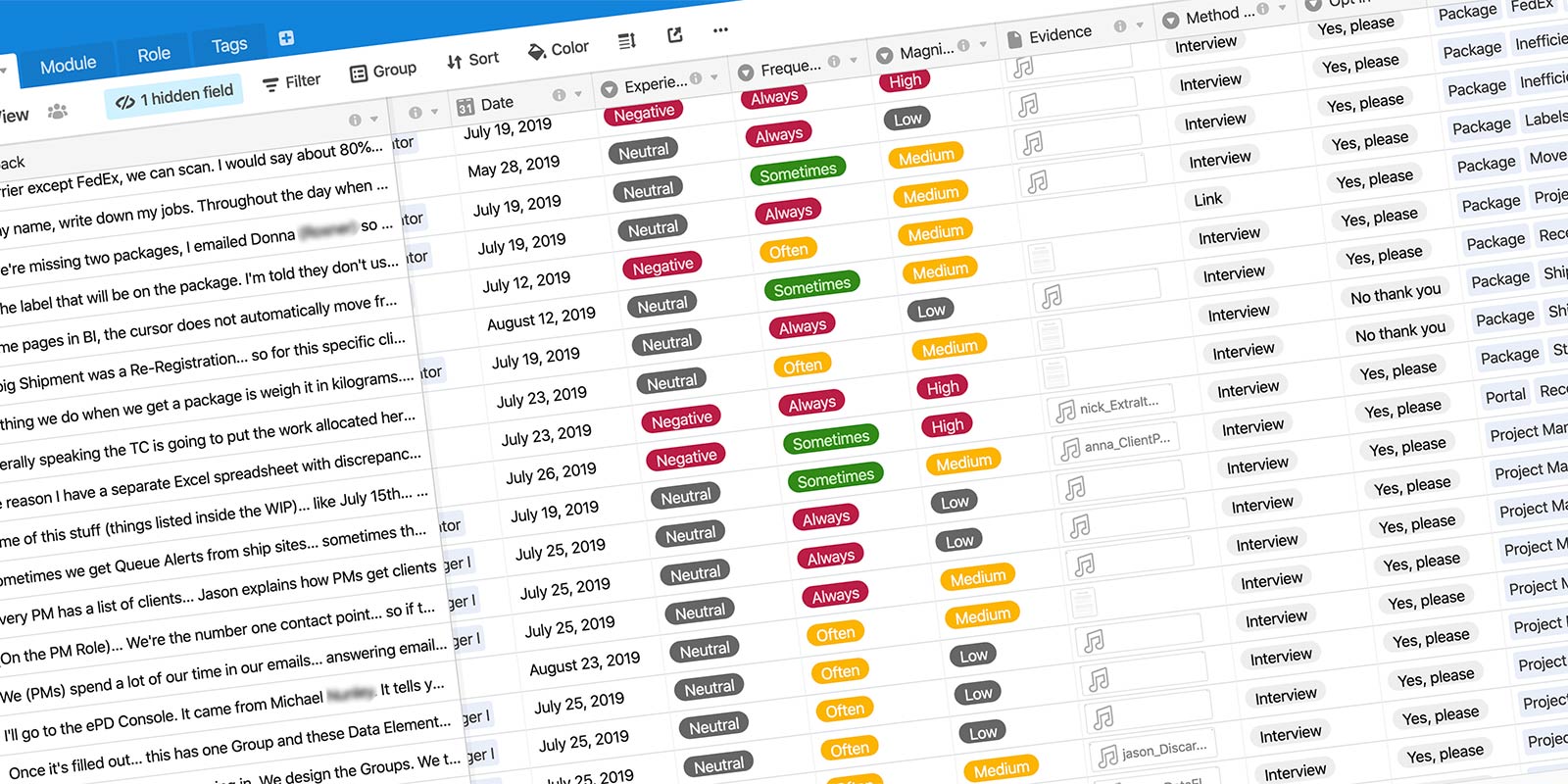
One deliberate decision I made early was to work within the tools the company already used wherever possible. Introducing new software creates friction and slows adoption. Microsoft Forms for surveys, Microsoft Teams for recording, Airtable for the insights database. Free tools for anything outside that stack. The practice would be easier to sustain if it wasn’t dependent on a separate toolset nobody else used.
Feedback Channels
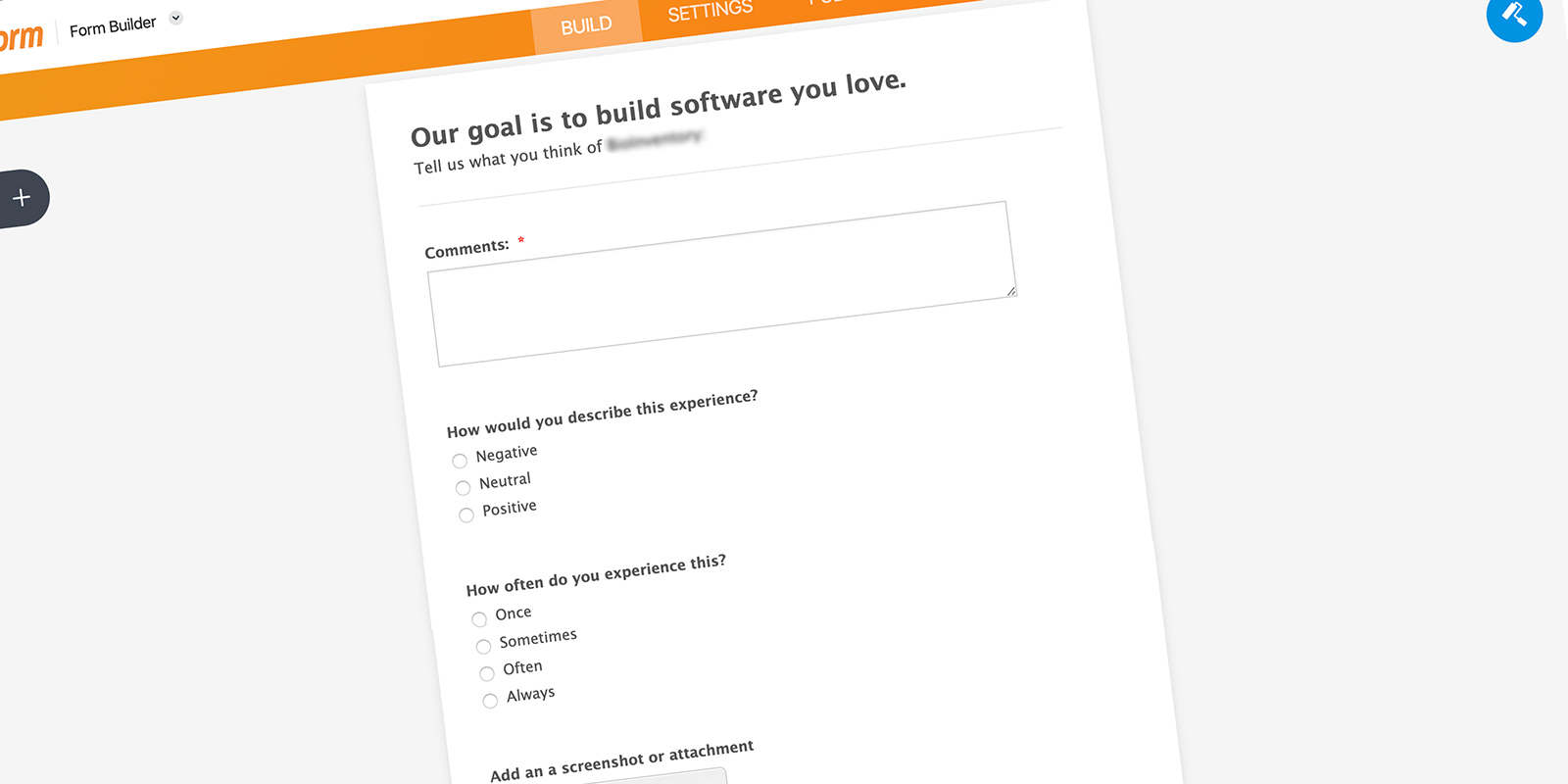
Within the first month I had two feedback channels running. A heuristic survey distributed via Microsoft Forms gave me a baseline read on how users perceived the existing system. A JotForm feedback form integrated with Airtable gave users an ongoing way to submit issues and observations. Both fed into the same database.
The UX Huddle
I established a quarterly readout I called the UX Huddle. Informal, optional, and focused on sharing what had been learned in the last quarter. It kept the practice visible and gave stakeholders a regular touchpoint without requiring them to be involved in the day-to-day work.
The Airtable Insights Database
Everything flowed into a single Airtable database. Interview recordings, transcriptions, survey responses, feedback form submissions, video clips. The database was the connective tissue of the practice. It meant findings were searchable, shareable, and didn’t live only in my head or my local files.