
Beyond the Login

Beyond the Login

Modernizing a monolith meant identity had to be rebuilt from the ground up. What looked like a login screen turned out to be nine interconnected capabilities, and I designed all of them before a line of code was written.

Role:
Strategist
Dates:
2026
Client:
Captivated

The Challenge

Captivated had one login flow and everyone saw the same application. The move to a modular React frontend changed that, because for the first time, what a user could see depended on who they were and what they were authorized to access. Authentication alone wasn’t enough anymore.

keyboard_arrow_up

Building for the Client We Wanted

We had a client ready to split into 34 organizations, with two administrators who needed access to all of them. Under the existing architecture that wasn’t possible without internal workarounds that didn’t scale. Rather than wait for enterprise to arrive and scramble, we got ahead of it. Authentication and authorization were the foundation that had to be rebuilt first.

Starting in the Right Place

We were using the strangler pattern to modernize the monolith, replacing Ember components and routes with React equivalents one module at a time. Identity was the deliberate starting point. Get it right first and everything built on top of it inherits that foundation. What looked like a login screen turned into nine interconnected capabilities.

Google First, But Not Google Only

SSO was the capability that unlocked enterprise. I started with Google because it’s the best documented, the most forgiving to implement, and the most likely to surface edge cases early. But the architecture was designed from day one to support ENTRA and OKTA as well. Not as future additions to bolt on later, but as first-class paths the system was built to accommodate. The difference between designing for one provider and designing for many is the difference between a feature and a foundation.

Authentication Is Not Authorization

Knowing who someone is doesn’t tell you what they’re allowed to see. That distinction sounds obvious until you’re designing the system that has to enforce it. A user could authenticate successfully through Google SSO and still have no authorization to access any organization in Captivated. The system needed to resolve both, in sequence, before routing the user anywhere. Authentication first. Authorization second. Routing third.

The Multi-Org Problem

Once a user could belong to more than one organization, a new question surfaced: where do they land when they log back in? Making them navigate there every time adds friction. Making them designate a primary org puts the burden on them to maintain something they’ll forget. The right answer was to return them to wherever they were last. No configuration required, no friction added. The system just remembers.
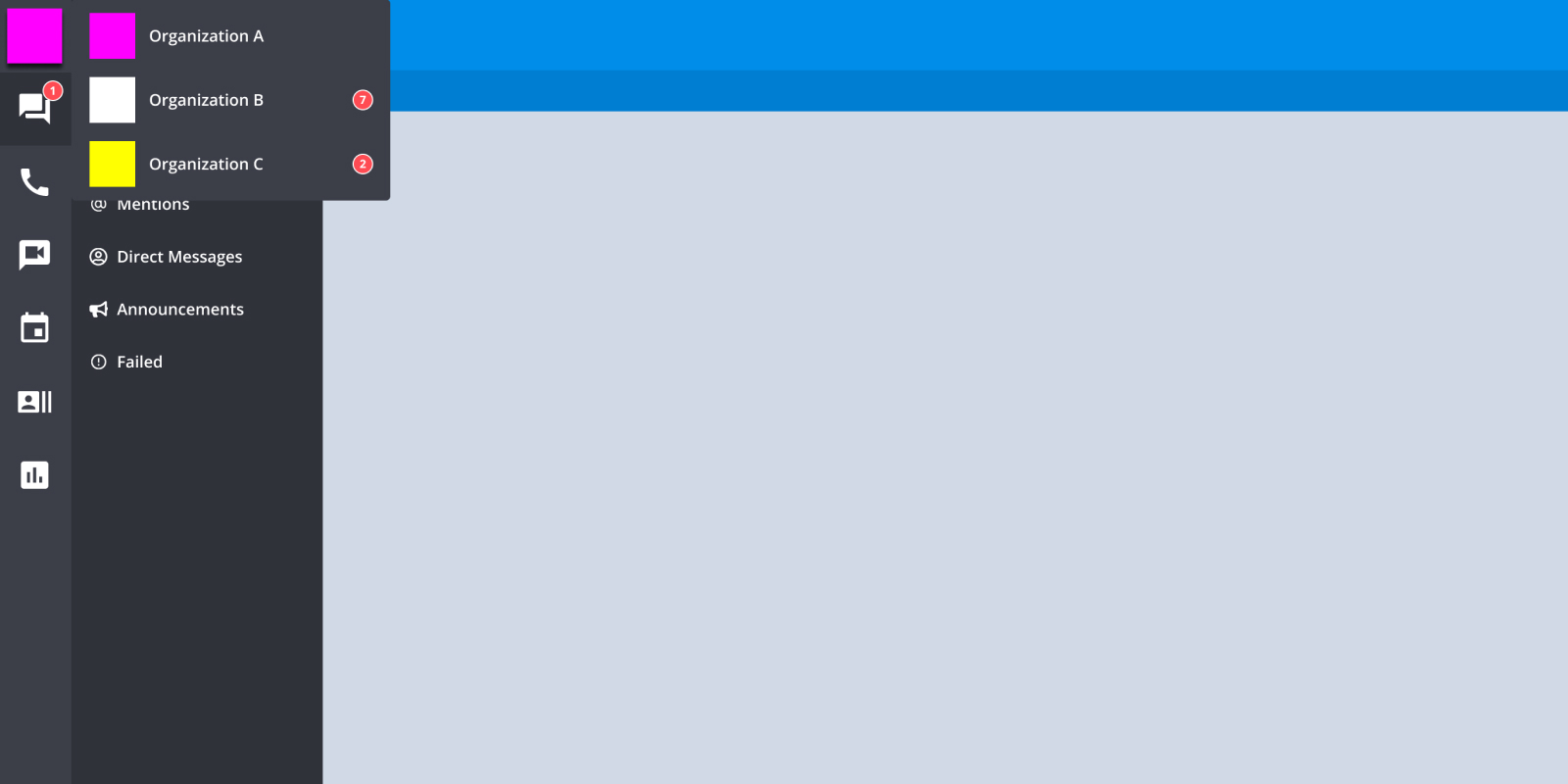
The org switcher interface
How a user with access to multiple organizations navigates between them

Email-First as the Routing Mechanism

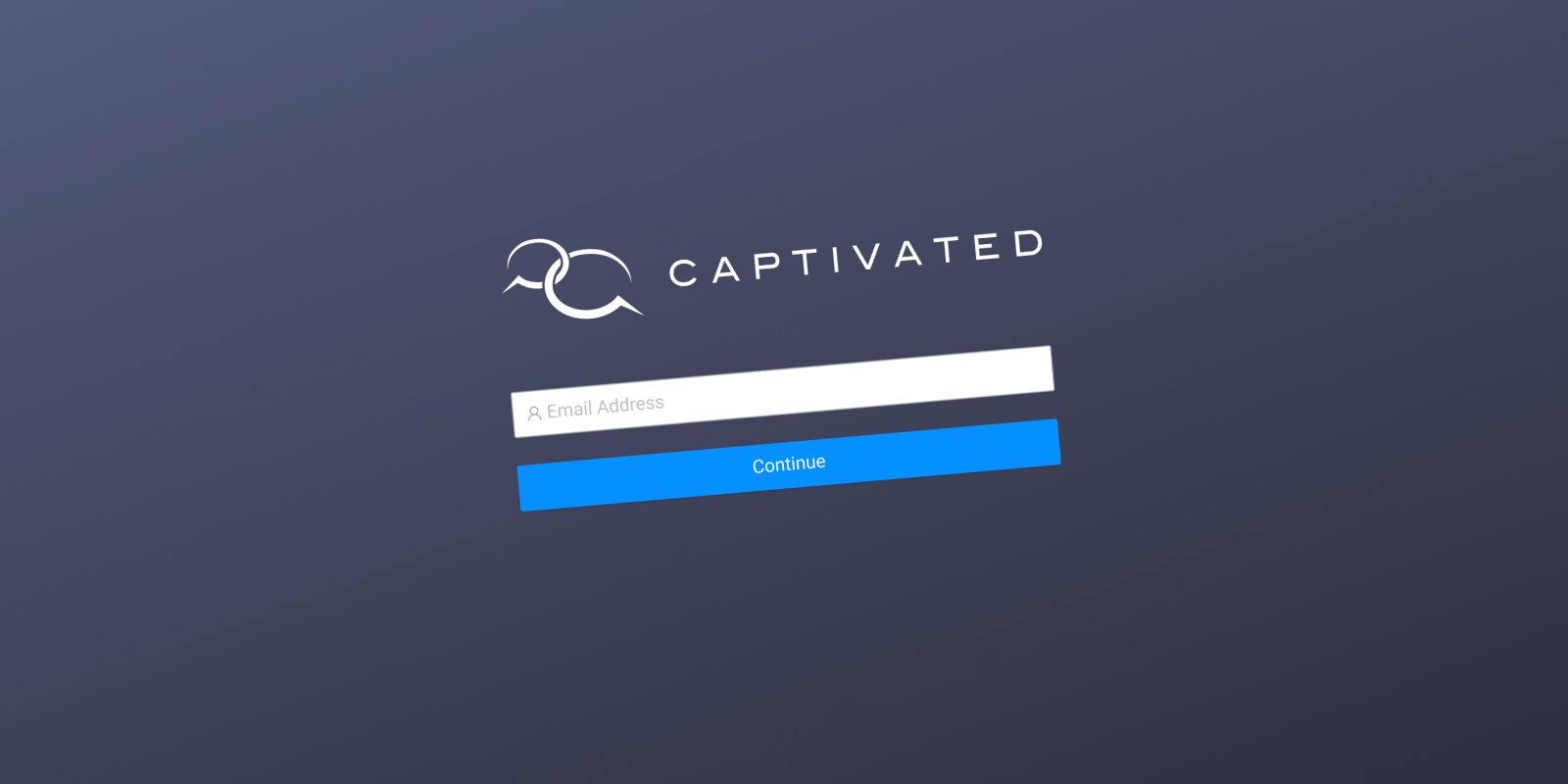
The login screen was the one place all of this complexity had to become invisible to the user. Email-first solved that. By identifying the user before showing any authentication inputs, the system could determine the right path silently, password login, Google SSO, ENTRA, OKTA, and present only what was appropriate. One clean input. No confusing choices. The complexity lives in the system, not in front of the user.

Putting It on Paper

Nine Capability Briefs. One for each interconnected piece of the identity system. Writing them was the next problem to solve.
Working Through It With AI

I used the same collaborative process that produced the AI-Ready Backlog briefs, but this time the problem space was deeper. I sat down with ChatGPT and worked through the identity system question by question. What happens when a user authenticates through Google but has no matching account in Captivated? What does the system show them? What happens when a session expires mid-request? When a user with multiple org memberships logs in for the first time, which org gets the default?

The AI would ask clarifying questions. I would answer them. Every answer either resolved an edge case or surfaced a new one. By the time the conversation was done, the brief was done. Nine briefs, nine conversations, every decision made before a line of code was written.

The Briefs as the Deliverable

Nine Capability Briefs. Not wireframes, not a backlog of tickets. Structured documents that told developers and AI coding tools exactly what the identity system needed to do, in what order, under what constraints, and what was explicitly out of scope. That’s the design artifact for this project, and it existed before anyone opened a code editor.

Making the Invisible Visible

The one place the entire identity architecture had to surface as a UI was the login screen. Underneath one clean email input is a branching decision tree: is this a password user, a Google SSO user, an ENTRA user, an OKTA user? Does this email have authorization to any organization? More than one? Where were they last?

None of that complexity should be visible to the person logging in. The design job was to make one input that handled all of it silently. Every decision that went into the Capability Briefs existed so the user would never have to make one themselves.

Email-first login screen
One clean input. The complexity lives in the system, not in front of the user.

Built and Validated

The identity system was built and validated in QA. What would have taken six months of 3-point stories was designed, documented, and handed to developers in weeks. Every edge case had already been answered. Every constraint had already been declared. The questions that usually surface mid-sprint didn’t surface, because they’d already been resolved before implementation began.

A Foundation, Not a Feature

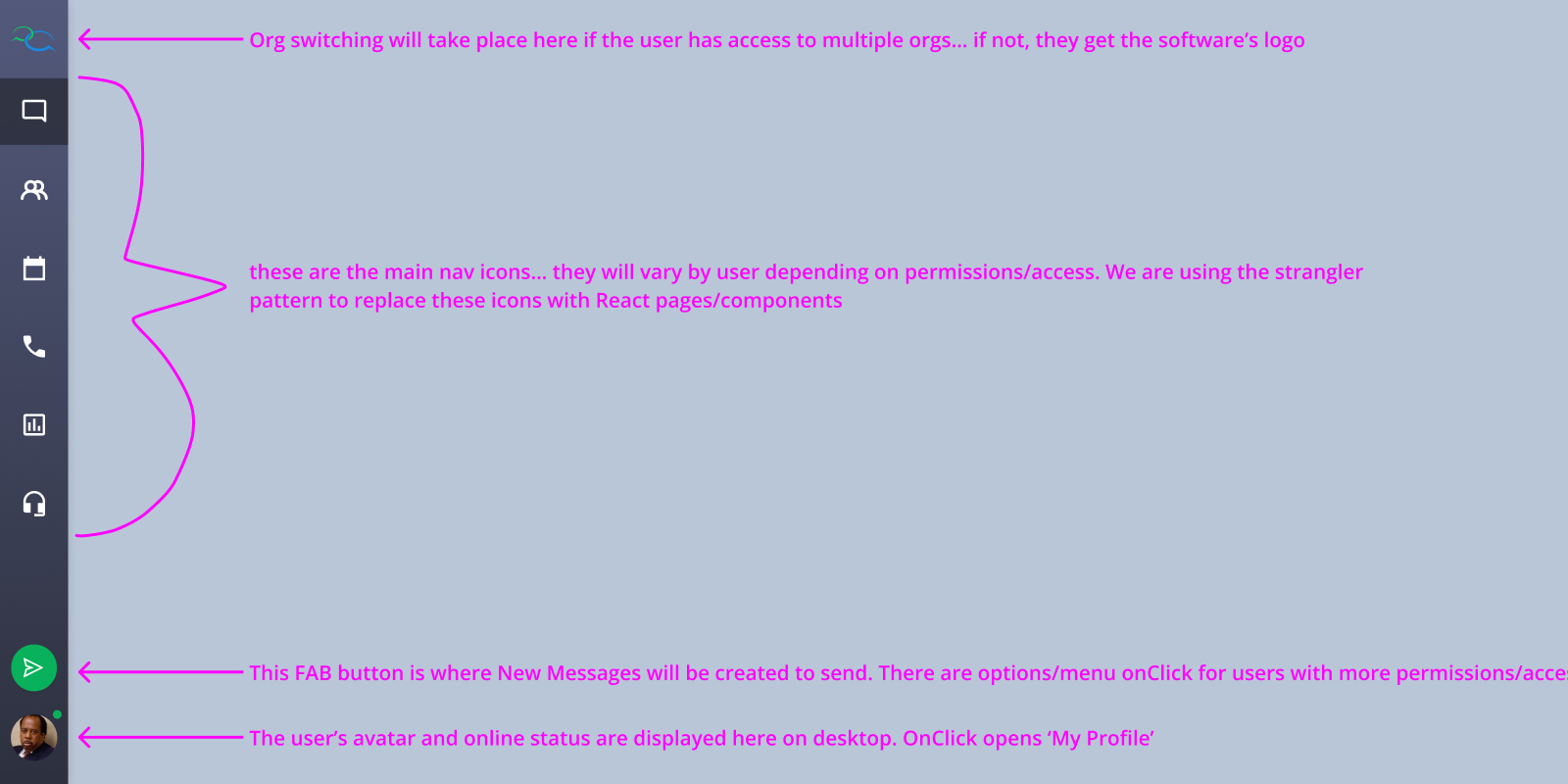
Authentication and authorization weren’t the end goal. They were the prerequisite. Every React module built on top of this system inherits the identity foundation without having to solve for it again. Multi-org support, SSO, activity-based sessions, email-first routing, solved once, available everywhere.

Post-authorization navigation
The left-hand navigation after authorization, showing what the user is allowed to see

More Case Studies